PicView
Open sourceWindows 平台的轻量看图工具,启动快、支持滚动浏览与基础编辑,界面可自定义。
Basic info
From public sourcesOverview
PicView 是一款面向 Windows 的开源看图工具,设计目标是「打开快、看得清、不打扰」:没有广告和多余面板,双击图片立刻显示,滚轮切图,全屏看细节。
主要能力
支持常见位图格式与动图,滚动模式可连续浏览长图
图片信息面板:尺寸、文件大小、EXIF 拍摄参数
基础编辑:裁剪、旋转、翻转、缩放、改格式
批量转换与压缩,可设置目标体积
界面可换主题与布局,支持拖拽与从网页粘贴图片
需要注意
功能集中在「看」和「轻处理」,没有图层与精细修图。格式支持以常见位图为主,专业 RAW 处理不如 darktable。Windows 10 以下系统建议使用较老版本。
适合谁用
想要一个干净、启动快、能顺手改尺寸和格式的 Windows 看图工具的用户。
Screenshots
1 images · click to enlarge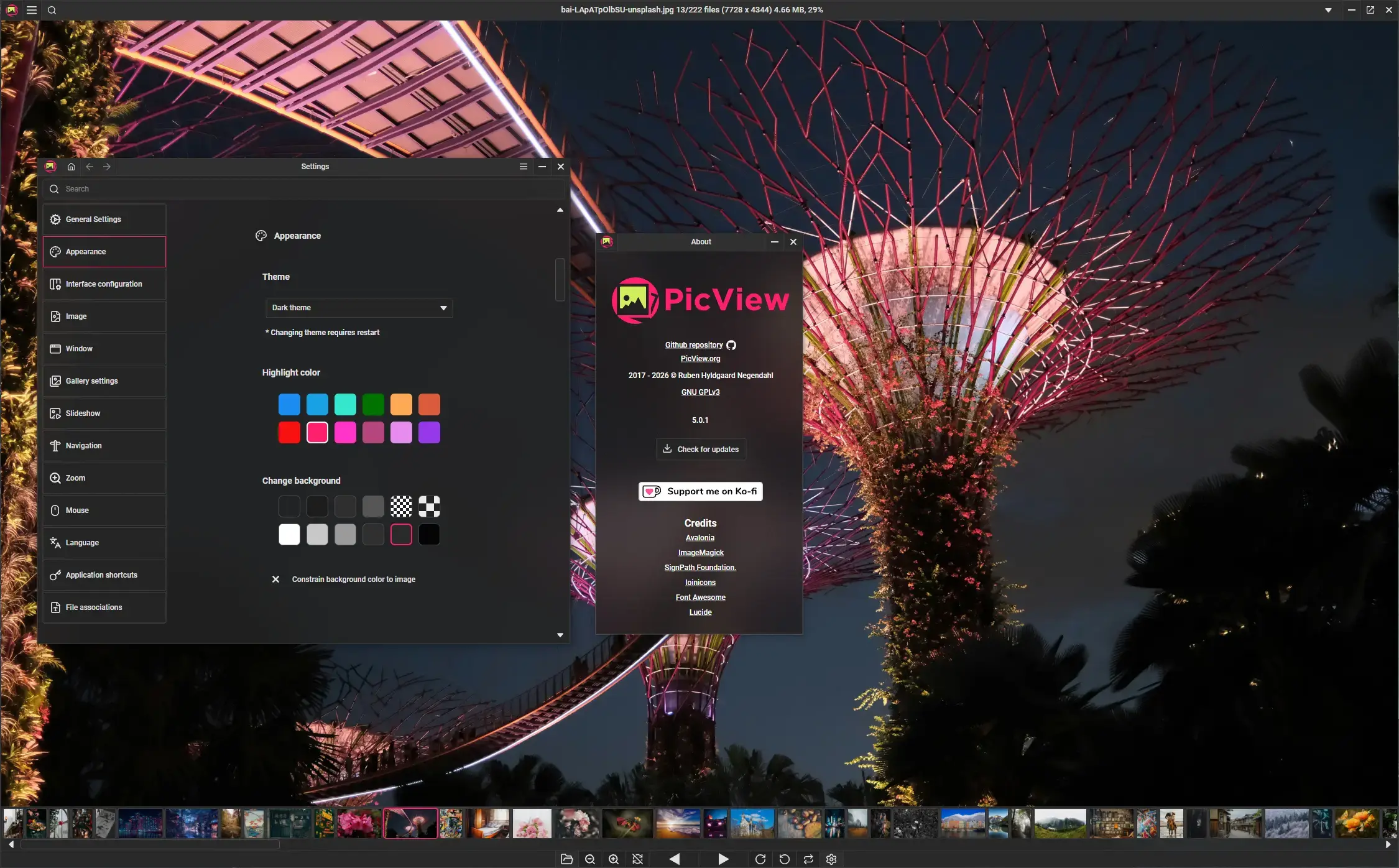
Download links
SourceUse the buttons below to get the installer.
Verify the file source and digital signature before installing. Back up important data. This site does not provide cracks, keygens or license bypasses.
By downloading you confirm you have read the disclaimer: we only facilitate distribution and do not warrant content, completeness or security. Disclaimer
Copyright & reports
The name, icons and trademarks of PicView belong to Ruben2776(开源项目). This site only provides introductions and download links. Rights holders can report issues via the complaint form.
Disclaimer
Read before download- This site only facilitates distribution and makes no warranties about content, opinions, completeness or security.
- Any direct or indirect consequences of downloading, installing or using the software are solely the user’s responsibility.
- This site is not responsible for third-party opinions or statements contained in the software.
- Using this download service means you have read, understood and agreed to these terms.